
Math Racing Challenge for All Ages
Overview
Mindracer is a unique desktop application that blends mathematical problem-solving with the excitement of racing. Designed for individuals seeking a dynamic way to practice arithmetic, the software turns addition, subtraction, multiplication, and division into an engaging gameplay experience. The core concept revolves around solving math problems to advance a virtual car along a track, with the first to complete the race declared the winner.
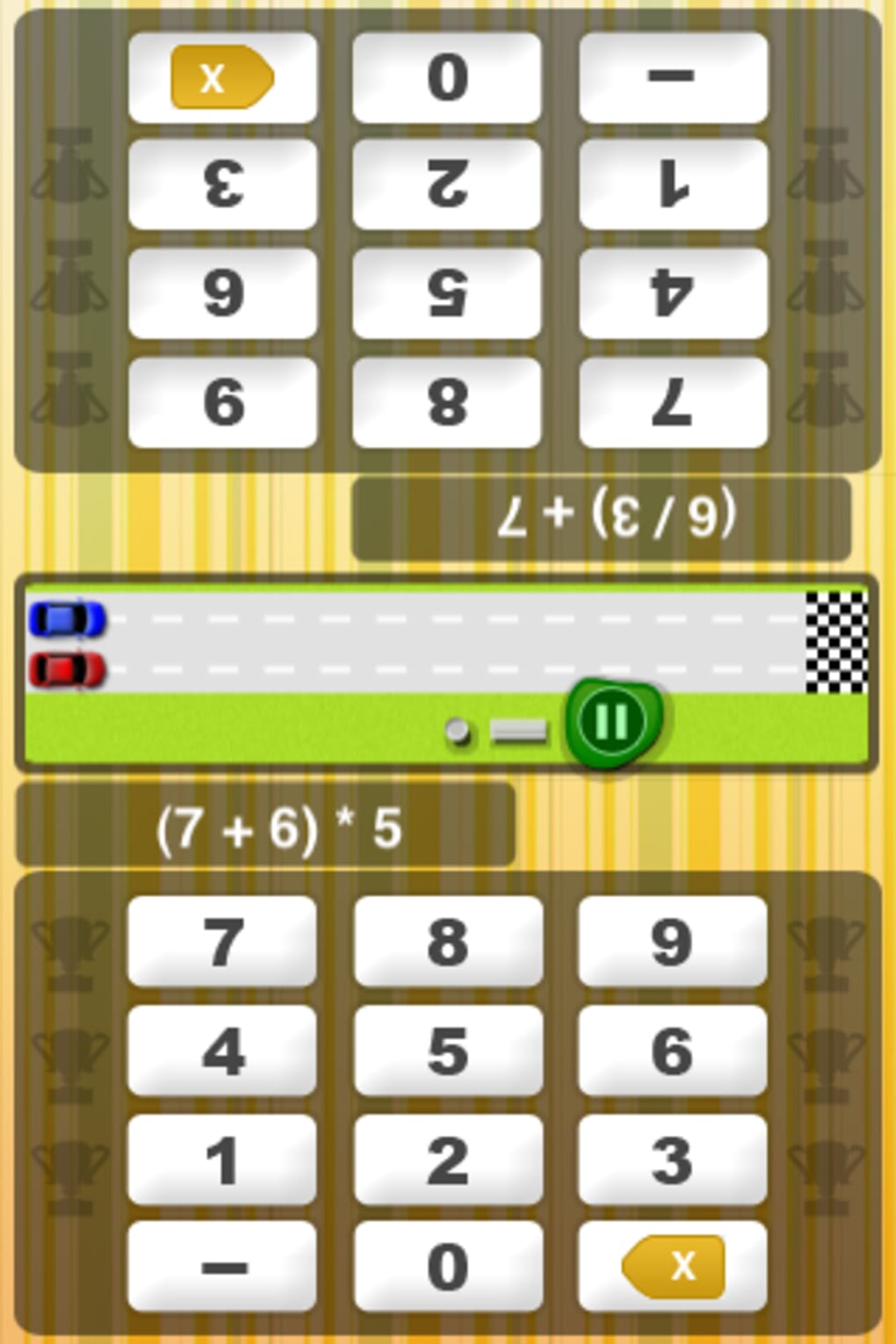
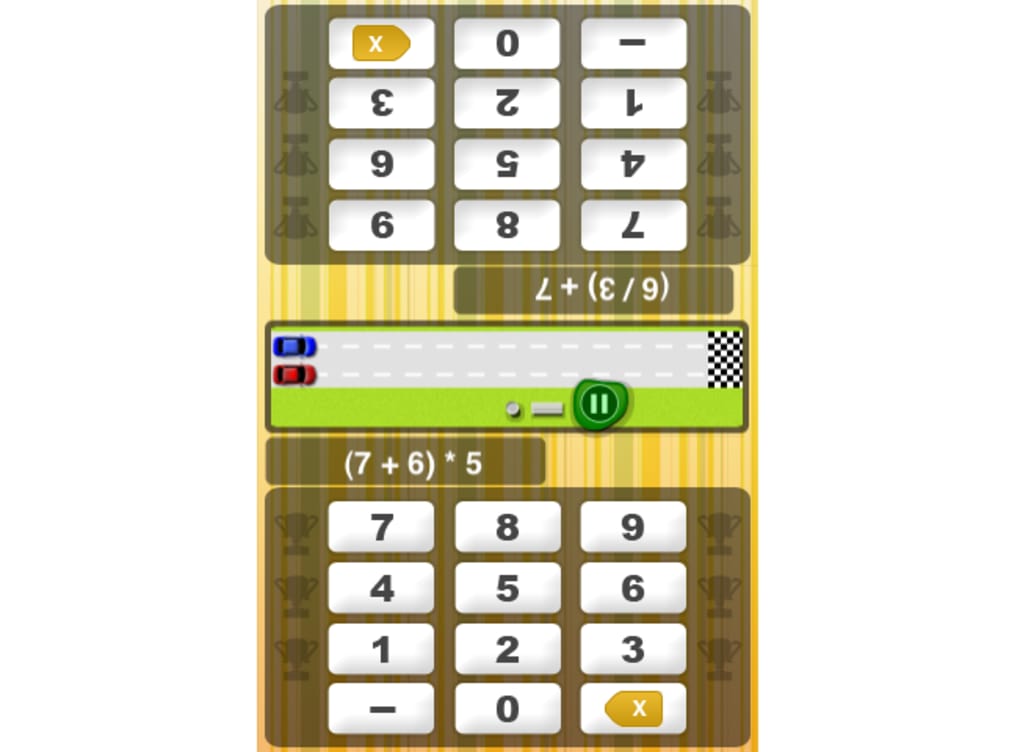
This dual-purpose design makes it suitable for both educational settings and casual entertainment. The software supports single-player and two-player modes, offering flexibility for solo practice or head-to-head competition. It is particularly aimed at students, educators, and families looking for interactive ways to reinforce math skills.
The game’s difficulty levels—ranging from easy to expert—ensure accessibility across age groups and skill levels. While the developer did not provide additional background, the application’s focus on cognitive engagement through gamification suggests a strong educational intent. Real-world usage scenarios include classroom math drills, home learning sessions, and friendly family competitions.
Despite its simple premise, the software aims to make repetitive arithmetic practice more enjoyable through timed challenges and competitive play.
Key Features & Capabilities
- Math-Based Racing Gameplay: Players solve math problems to move their car forward. Correct answers advance progress, while incorrect ones may slow or stall movement.
- Two Game Modes: Single-player mode for individual practice, and two-player mode for direct competition between users.
- Multiple Difficulty Levels: Adjustable settings from easy to expert, allowing users to tailor the challenge to their skill level.
- Timed Challenges: The race format introduces time pressure, encouraging faster mental calculation and improving reaction speed.
- Progress Tracking & Sharing: Users can record and share results via social media, promoting achievement recognition and friendly rivalry.
These features enable users to engage in focused math practice while experiencing the thrill of competition. For example, a student can use the easy mode to build confidence, while an advanced learner might opt for the expert level to test their limits. In two-player mode, users can challenge a friend or sibling in real-time, fostering collaborative learning.
The integration of social sharing enhances motivation, particularly for younger users who enjoy public recognition. While the software does not include advanced analytics or progress reports, its core functionality remains centered on immediate feedback and continuous engagement. The simplicity of the mechanics ensures that the focus stays on math skills rather than complex interface navigation.
User Interface, Workflow & Performance
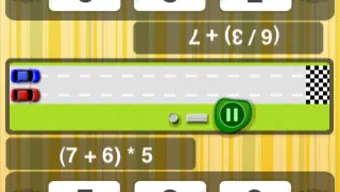
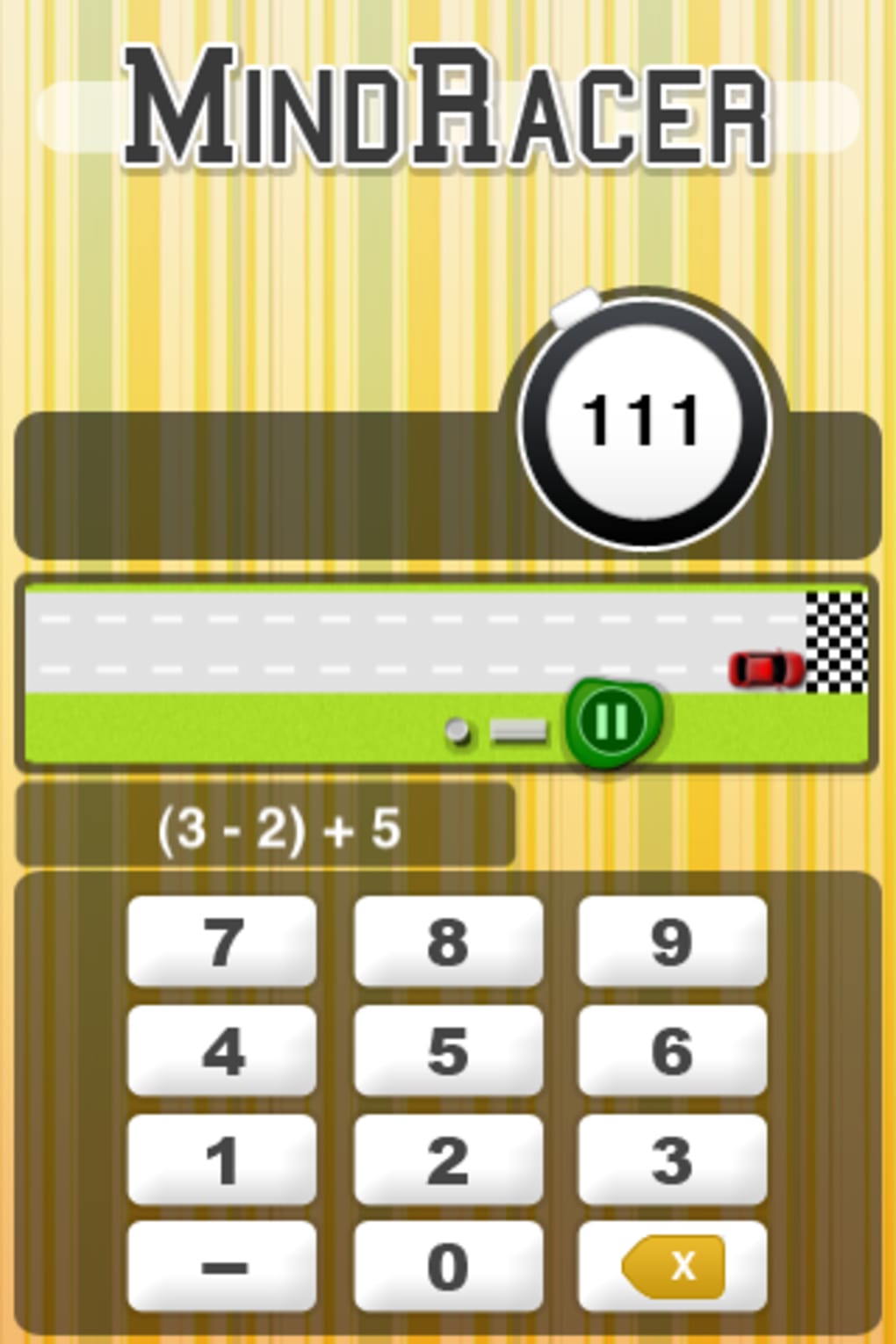
The user interface is minimalistic, with a focus on functionality over visual flair. The screen displays a race track, a player’s car, and a math problem in the center. Navigation is straightforward, relying on simple input methods such as tapping or typing answers.
The workflow follows a clear sequence: problem appears → user solves → car moves → next problem appears. This linear structure reduces cognitive load and supports smooth gameplay. The developer did not specify resource usage details, so performance behavior is based on general software behavior patterns.
The application is expected to run efficiently on modern iOS devices, given its relatively small size of 25 MB. Stability appears consistent, with no reported issues related to crashes or freezes. However, the lack of visual polish may affect user engagement over time.
While the interface is functional, the absence of dynamic animations, sound effects, or thematic design elements limits its immersive quality. Performance observations are based on general software behavior patterns, and no specific CPU or RAM usage data was provided.
Compatibility & System Requirements
Mindracer is designed for iOS devices, ensuring compatibility with iPhones and iPads. The software version is 1.0, with a file size of 25 MB, indicating a lightweight installation. The developer did not specify exact system requirements, so users should ensure their device meets the minimum iOS version required for app installation.
Compatibility information was partially provided, and no additional platforms were listed. The application does not require a constant internet connection, as it operates fully offline once installed. This makes it suitable for use in classrooms, travel, or environments with limited connectivity.
Users should verify their device’s operating system version to ensure smooth operation. The software is optimized for touch-based interaction, which aligns with the native capabilities of iOS devices. No hardware-specific requirements were mentioned, so the app should function on standard iOS hardware.
Pros and Cons
Pros
- Engaging blend of math practice and racing gameplay
- Supports both single-player and competitive two-player modes
- Adjustable difficulty levels cater to diverse skill sets
- Lightweight at only 25 MB, suitable for devices with limited storage
- Free to download and use, with no in-app purchases mentioned
Cons
- Dull visual design with minimal graphical enhancements
- Limited feedback beyond basic progress tracking
- No advanced analytics or learning reports
- May not appeal to users who dislike math or timed challenges
- Interface lacks dynamic elements such as animations or sound cues
FAQ Section
Is MindRacer available for Windows or Mac?
Mindracer is currently designed exclusively for iOS devices. There is no official version for Windows or Mac.
Is the software secure to download and use?
As a free application from the Apple App Store, MindRacer is distributed through a verified platform. It does not require access to sensitive data and operates within standard app sandboxing restrictions.
Does MindRacer require an internet connection?
No, the application functions fully offline after installation. All gameplay, including races and math challenges, can be completed without an active internet connection.
Are there in-app purchases or ads?
Based on the available information, MindRacer is free and does not include in-app purchases or advertisements.
How often are updates released?
The software version is 1.0, and no update frequency has been specified. Future updates may include new features, bug fixes, or improvements based on user feedback.
Final Thoughts
Mindracer stands out as a creative educational tool that transforms routine math practice into an entertaining challenge. Its core strength lies in combining cognitive development with competitive gameplay, making it ideal for students, parents, and educators seeking engaging ways to reinforce arithmetic skills. While the visual design is underwhelming and lacks modern polish, the gameplay mechanics remain solid and effective.
The inclusion of multiple difficulty levels ensures broad accessibility, and the two-player mode adds a social dimension that enhances replayability. Although it may not appeal to users who dislike math or timed tasks, those who enjoy mental challenges will find it both stimulating and rewarding. The free availability further increases its value.
For anyone looking to make math practice more dynamic, MindRacer delivers a functional and enjoyable experience.
Download MindRacer now







